Introduction
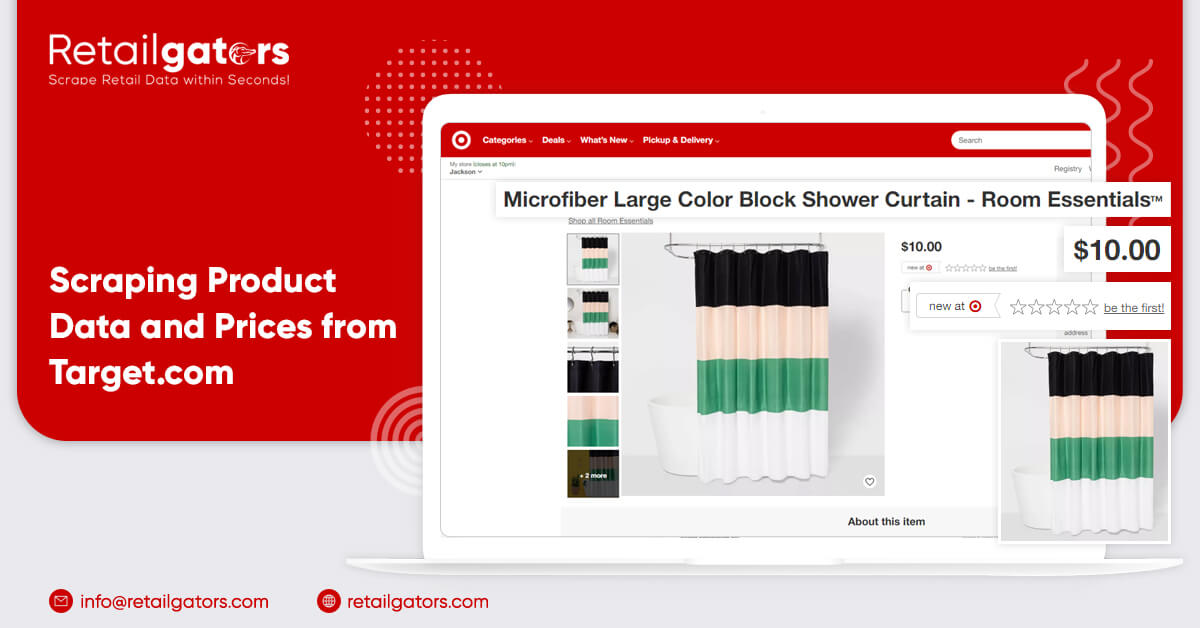
Search Target.com for all kinds of products needed to scrape product data from Target.com as well as provide URLs for the search results. Choose a ZIP Code for the store you want to get pricing and also stock accessibility in the scraper. You would have the spreadsheet getting products’ data like Product’s Name, Online Availability, Store Availability, Pricing, Ratings, Description, etc.
Target Product’s Data and Pricing Scraper
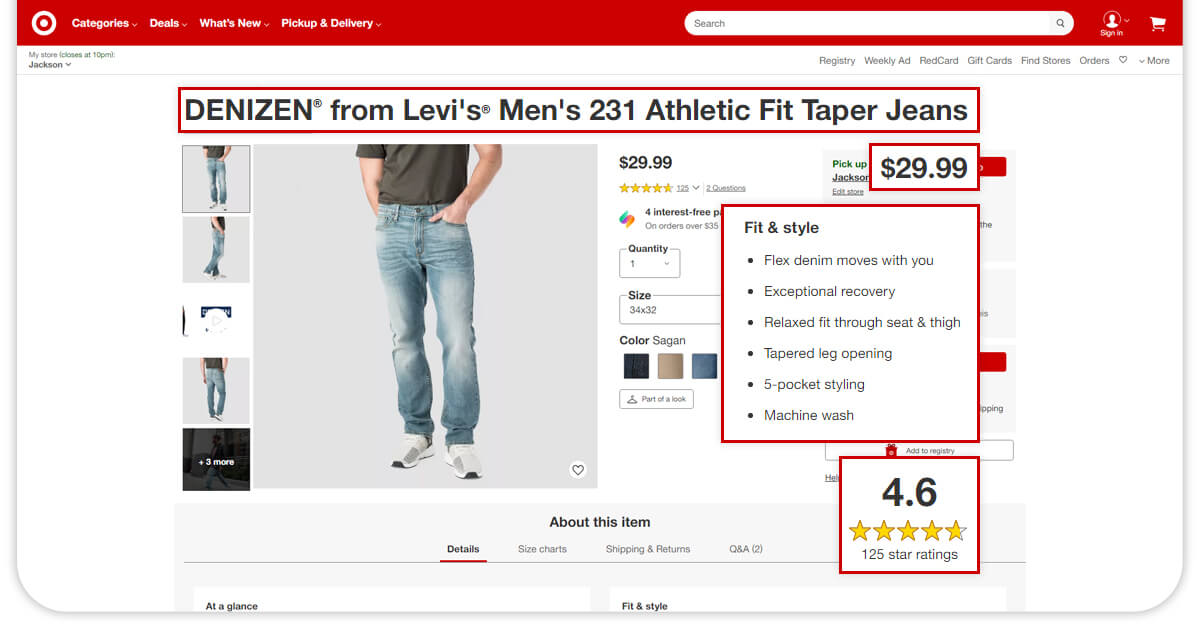
Our Target Data Scraper will extract data with search result URLs and zip codes from a Target store.
Our Target data scraper can extract different data fields including:
- Name
- Product Availability
- Pricing
- Store Availability Status
- Online Availability Status
- Store Address
- Store Telephone
- Product Ratings
- Seller
- Brand
- Number of Reviews
- Product Size
- Description
- Model
- Product Images
- Product ID
- Category
- Product Specification
- Rating Histogram
- Product Variations
- Customer Reviews
Scrape Products from Different Categories on Target.com
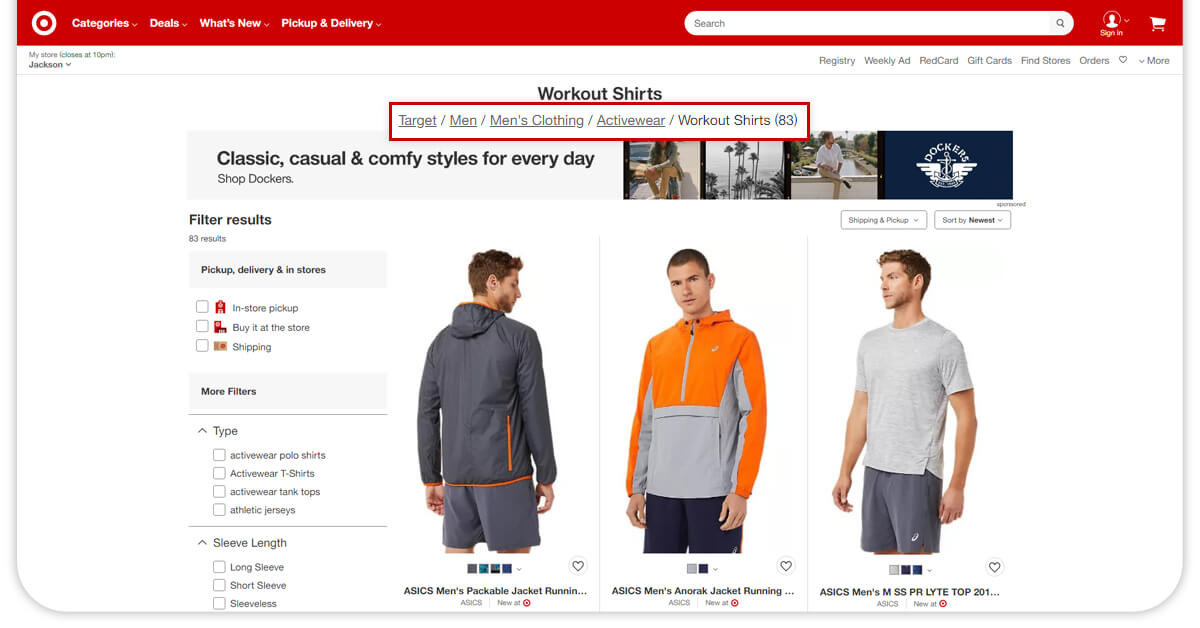
In this example, we have used different products in the category named “Women” from the nearest Target Stores to a Zip code 10001 (New York, CA). Let’s observe how to perform
https://www.target.com/c/women/-/N-5xtd3
Find a product’s category link through Target.com by browsing various categories.
Set the Zip Code to 10001
The input of Target.com web scraper will be:
Search a List or Keyword URLs at https://www.target.com/c/sleepwear-pajamas-robes-women-s-clothing/-/N-5xtc3.
A Zip Code would be 10001
After that, search for a particular type of product, sort searching results using criteria, and extract different results.
In this example, let’s take a quick look at “Women’s Short Sleeve V-neck T-Shirt” made by Universal Thread from the nearby Target store in New York, NY (having Zip Code 10001). Let’s understand how to create a data scraper to perform that.
Search Target.com for the search phrase, — Women’s Short Sleeve V-neck T-Shirt
Filtered by Brand — Universal Thread
Copy the given search results URL.
https://www.target.com/c/sleepwear-pajamas-robes-women-s-clothing/-/N-5xtc3Z1vs54?Nao=0
Set a Zipcode to 10001
The inputs for the Target.com data scraper will be:
Search Keywords or Listings URLs — https://www.target.com/c/sleepwear-pajamas-robes-women-s-clothing/-/N-5xtc3Z1vs54?Nao=0
Zip Code — 10001
from lxml import html
}
coupon_raw_json = re.findall(“APP_COUPONSINC\s?=\s?({.*});”,response.text)
print(“processing coupons data”)
Reasonably Priced
You don’t require to consider any proxy problems, working different crawlers, and support.
Browser-Based
RetailGators provides a browser-based Target data scraper where you can easily sign up and use with any browser.
Custom-made Crawler
RetailGators provides easy solutions for all scraping requirements. We offer customized crawlers for scraping product data as well as pricing from Target.com as well as fulfill all business requirements.
Dropbox Delivery
from selectorlib import Extractor
RetailGators provides you an option to automate data uploading to Dropbox.
East to Use
You don’t need to download a tool or mark data fields. With a point-to-click interface, you can easily schedule as well as run a crawler to extract product pricing from Target.com.
Periodically Get Data Using Scheduling
RetailGators helps you in scheduling scraping product data from Target.com according to your convenience. Besides, you can also provide the date, time, time zones, and frequency to scrape Target.com product data before creating a schedule.